

Email Marketing Automation: Workflows Every Growing Business Needs
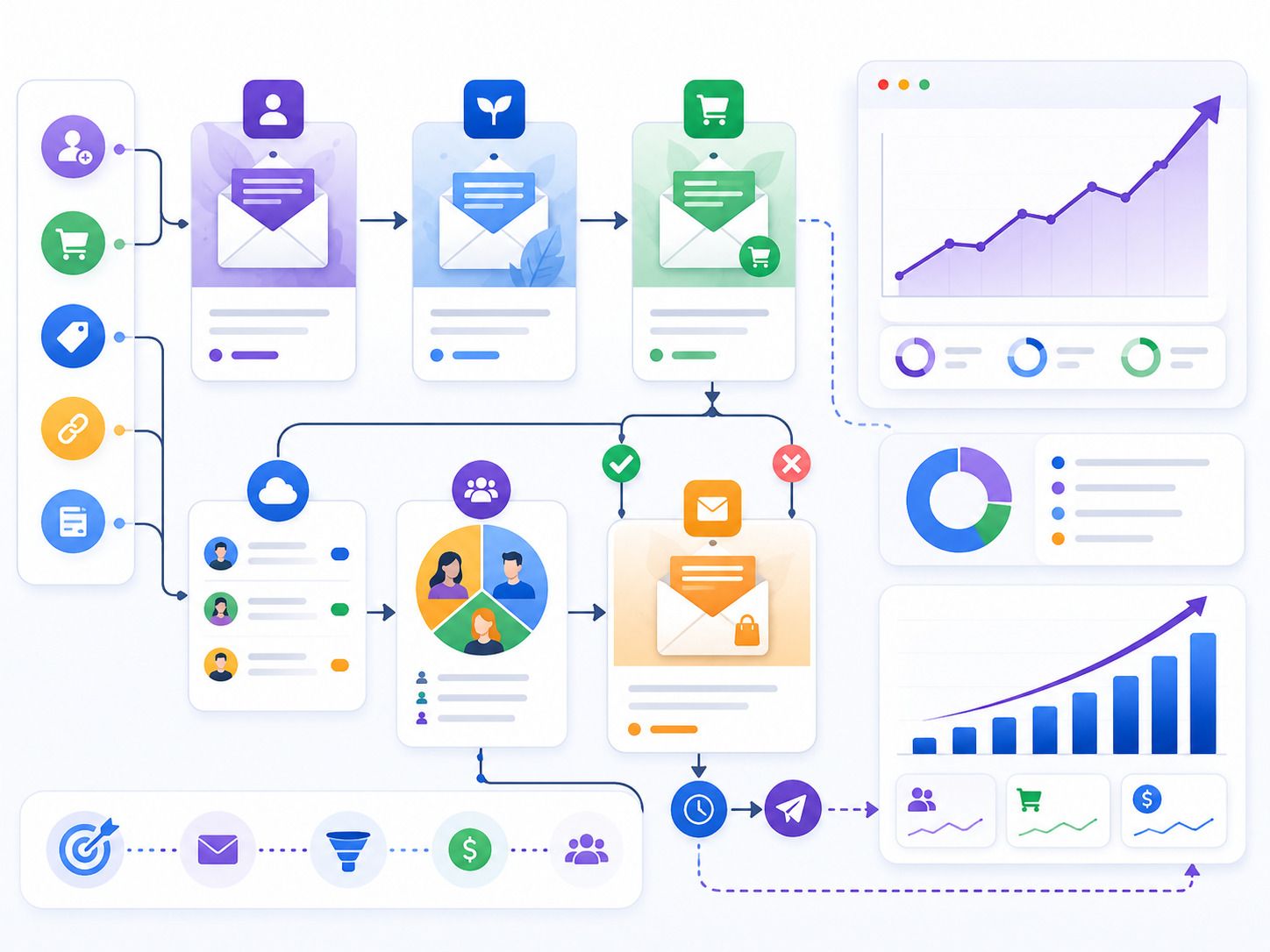
Growing businesses cannot depend only on manual follow-ups. Leads come from websites, ads, social media, referrals, landing pages, and downloadable resources. Some people are ready to buy. Others need more time, more trust, or more information.
Email marketing automation helps manage this journey with better structure.
It sends the right message to the right person based on their action, interest, or stage in the buying journey. This helps businesses stay visible, nurture leads, improve conversions, and build stronger customer relationships without sending every email manually.
What Is Email Marketing Automation?
Email marketing automation is the process of sending planned emails automatically based on user behavior or predefined triggers.
A trigger could be a form submission, newsletter signup, product purchase, abandoned cart, webinar registration, service enquiry, or inactive customer status.
For example, when someone fills a contact form, they can receive a thank-you email immediately. A few days later, they can receive a case study. After that, they may receive a consultation offer.
This keeps communication consistent and reduces missed opportunities.
Why Growing Businesses Need Email Automation
As a business grows, lead volume increases. Manual follow-up becomes difficult. Some prospects may not receive timely communication. Some customers may not be nurtured after purchase. Some warm leads may go cold.
Email automation solves this by creating structured workflows.
It helps businesses:
• Respond faster to enquiries
• Nurture leads over time
• Improve customer education
• Recover lost opportunities
• Support sales teams
• Increase repeat purchases
• Segment audiences better
• Track engagement and intent
For brands using Digital Marketing Services in Washington, email automation can support lead nurturing, campaign follow-ups, local customer engagement, and sales-ready prospect development.
1. Welcome Email Workflow
The welcome workflow is one of the most important automations.
It starts when someone subscribes, downloads a resource, creates an account, or fills a basic form. This is the first direct email interaction with your brand, so it should be clear and helpful.
A welcome workflow may include:
• Thank-you message
• Short brand introduction
• What the user can expect next
• Useful resources
• Popular service or product links
• Simple CTA
The goal is not to sell aggressively. The goal is to make the user feel acknowledged and guide them toward the next step.
2. Lead Nurturing Workflow
Not every lead is ready to speak with sales immediately.
A lead nurturing workflow helps educate prospects over time. It builds trust by sending useful content based on the user’s interest.
For example, a person who downloads a guide on SEO can receive emails about content strategy, keyword planning, case studies, and consultation options.
A nurturing workflow can include:
• Problem education
• Helpful blog links
• Service explanation
• Customer success story
• FAQ-based email
• Consultation invitation
This workflow helps move users from awareness to consideration.
3. Service Enquiry Follow-Up Workflow
When someone submits a service enquiry, they should receive an immediate response.
A service enquiry workflow can confirm that the message was received and explain what happens next. This creates trust and reduces uncertainty.
The workflow may include:
• Instant confirmation email
• Short service overview
• Link to relevant case study
• Meeting booking option
• Reminder email if no response
• Sales team notification
This workflow is useful for agencies, consultants, local service businesses, healthcare brands, education companies, and B2B service providers.
Fast communication improves the chance of conversion.
4. Abandoned Cart Workflow
For ecommerce businesses, abandoned carts are a major lost sales opportunity.
Many customers add products to cart but leave before payment. They may get distracted, compare prices, or hesitate because of shipping costs.
An abandoned cart workflow brings them back.
It may include:
• First reminder email
• Product image and cart link
• Customer reviews
• Delivery or return policy reminder
• Limited offer if suitable
• Final reminder
The tone should be helpful. Avoid sounding too pushy.
Even a simple cart recovery workflow can improve revenue.
5. Browse Abandonment Workflow
Some users visit product or service pages but do not add anything to cart or submit an enquiry.
A browse abandonment workflow targets these users with relevant follow-up emails.
For ecommerce, the email can show viewed products or similar recommendations. For service businesses, it can share related blogs, case studies, or consultation options.
6. Lead Scoring Workflow
Lead scoring helps businesses understand which prospects are more engaged.
Each action can add points to a lead’s score. Opening an email may add a small score. Clicking a service link may add more. Visiting a pricing page may show stronger intent.
A lead scoring workflow can help identify sales-ready prospects.
For example:
• Email open: low score
• Blog click: medium score
• Case study view: higher score
• Pricing page visit: high score
• Demo request: very high score
When a lead reaches a certain score, the sales team can receive an alert.
This helps teams focus on serious prospects first.
7. Re-Engagement Workflow
Some leads or customers become inactive.
They may stop opening emails, stop visiting the website, or stop buying. A re-engagement workflow helps bring them back.
This workflow can include:
• “Still interested?” email
• Helpful resource
• New offer or update
• Product recommendation
• Feedback request
• Final preference update email
The goal is to restart engagement or clean the email list.
A clean and engaged email list usually performs better than a large inactive one.
8. Post-Purchase Workflow
Customer communication should not stop after a sale.
A post-purchase workflow improves customer experience and encourages repeat business.
It may include:
• Order confirmation
• Usage instructions
• Delivery updates
• Thank-you email
• Review request
• Related product recommendations
• Loyalty offer
• Support information
For service businesses, this workflow can include onboarding details, next steps, project timelines, and feedback requests.
Post-purchase automation builds stronger relationships.
9. Review and Testimonial Workflow
Reviews and testimonials are valuable for trust.
A review request workflow can automatically ask happy customers to share feedback after a purchase, service completion, or successful milestone.
The email should be simple and direct.
It can include:
• Thank-you message
• Feedback request
• Review link
• Short testimonial form
• Support contact if there was an issue
This workflow helps collect social proof that can be used on websites, landing pages, ads, and sales materials.
10. Event or Webinar Workflow
For B2B brands and service businesses, webinars and events can support lead generation.
An event workflow helps manage registrations and follow-ups.
It may include:
• Registration confirmation
• Reminder emails
• Event access details
• Post-event recording
• Related resources
• Consultation CTA
• Sales follow-up trigger
This keeps attendees engaged before and after the event.
It also helps convert event interest into qualified conversations.
11. Customer Retention Workflow
Retention workflows help existing customers stay connected with your brand.
They are useful for subscription businesses, SaaS companies, ecommerce brands, agencies, and service providers.
Retention emails may include:
• Tips and best practices
• New feature updates
• Product usage reminders
• Renewal reminders
• Loyalty benefits
• Cross-sell suggestions
• Customer success stories
Keeping existing customers engaged can reduce churn and increase lifetime value.
Best Practices for Email Automation
Email automation should feel useful, not robotic.
To make workflows effective, follow simple best practices:
• Segment audiences clearly
• Keep emails short and focused
• Use one CTA per email
• Personalize based on user behavior
• Avoid sending too many emails
• Test subject lines and CTAs
• Track clicks, replies, and conversions
• Remove inactive contacts regularly
• Align email content with sales follow-up
The goal is to guide people naturally, not overload them.
Final Thoughts
Email marketing automation helps growing businesses manage leads, customers, and follow-ups with better consistency.
The most useful workflows include welcome emails, lead nurturing, enquiry follow-ups, abandoned cart recovery, browse abandonment, lead scoring, re-engagement, post-purchase communication, review requests, event follow-ups, and retention campaigns.
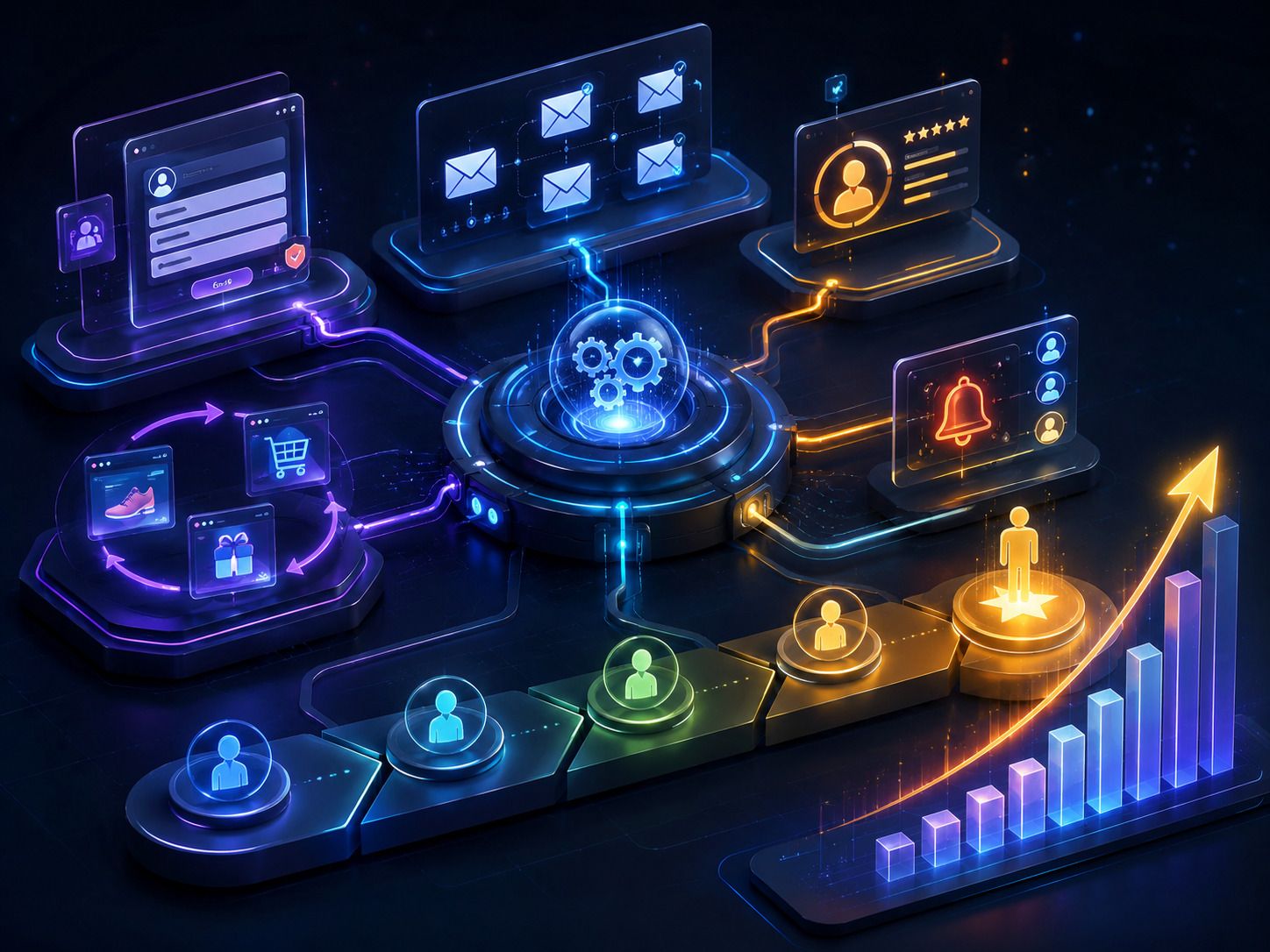
When these workflows are planned well, email becomes more than a communication channel. It becomes a structured growth system.
It helps businesses respond faster, build trust, improve conversions, recover missed opportunities, and turn interested contacts into sales-ready prospects.
"“Email automation helps growing businesses stay connected with leads, guide customers, and turn interest into action without missing important follow-ups.”"